What comparison method is used?
A line-based longest-common-subsequence comparison identifies unchanged, added and removed lines.
Cleanup · Browser processing
Compare drafts, configuration text or copied records without uploading either version.
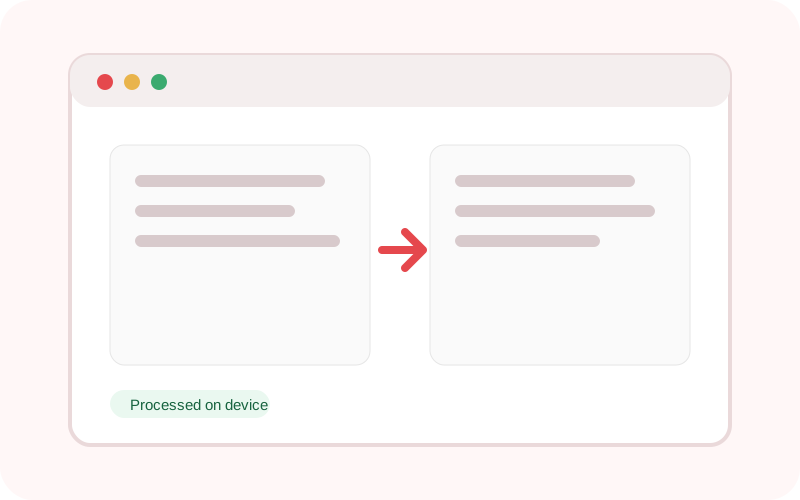
The workspace does not submit its text or selected local file to TXTNimble. Refreshing or closing the page clears the current result.
Common questions
A line-based longest-common-subsequence comparison identifies unchanged, added and removed lines.
It is designed for practical text blocks; extremely large files may use significant browser memory.
Yes unless you enable whitespace normalization.
Practical examples
See which clauses changed between two drafts.
Review added and removed lines before deployment.
Continue the workflow
Replace plain text or regular-expression matches with case-sensitive and global controls.
Deduplicate lines while preserving their first occurrence, with case-sensitive and blank-line controls.
Format, minify and validate JSON locally with clear parsing errors and basic structural statistics.