Is order preserved?
Yes, the first occurrence remains in its original position.
Cleanup · Browser processing
Clean lists, exports and copied datasets in your browser. The original order is preserved unless you choose otherwise.
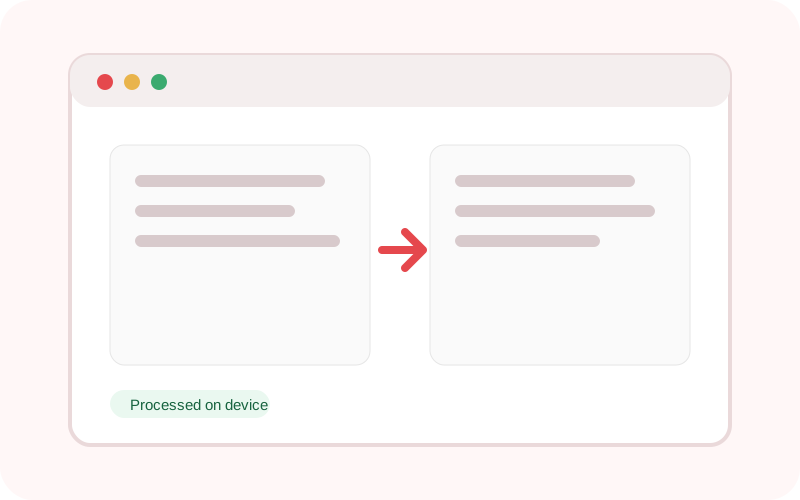
The workspace does not submit its text or selected local file to TXTNimble. Refreshing or closing the page clears the current result.
Common questions
Yes, the first occurrence remains in its original position.
Yes. Turn off case-sensitive matching.
You can keep one blank line or remove blank lines.
Practical examples
Remove repeated entries before importing.
Keep one copy of each line while preserving priority order.
Continue the workflow
Collapse repeated spaces, trim lines and remove unnecessary blank lines in one local pass.
Replace plain text or regular-expression matches with case-sensitive and global controls.
Preview comma, tab or semicolon separated text, detect columns and export a cleaned CSV locally.