Can I use regular expressions?
Yes. Enable regex mode and provide a valid JavaScript expression pattern.
Cleanup · Browser processing
Make repeated edits across a large block of text. The tool supports literal matching and advanced regular expressions in your browser.
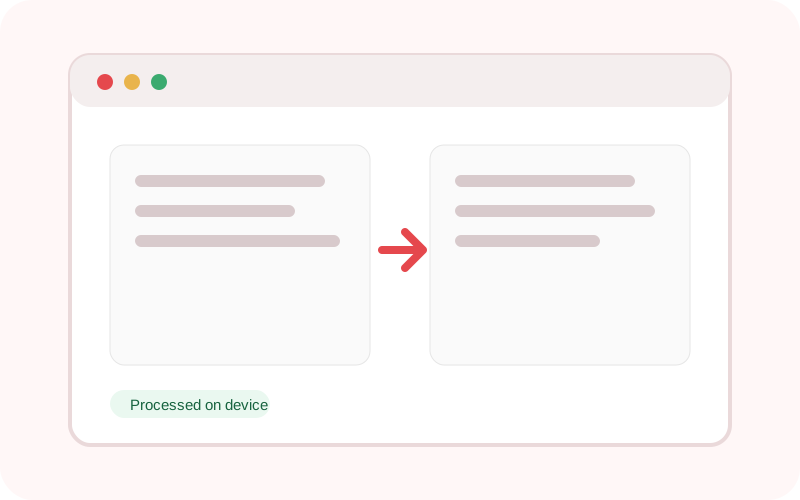
The workspace does not submit its text or selected local file to TXTNimble. Refreshing or closing the page clears the current result.
Common questions
Yes. Enable regex mode and provide a valid JavaScript expression pattern.
Yes in regex mode, using values such as $1.
No. Processing is local.
Practical examples
Replace every old label with a new label.
Use a regex to normalize date or spacing formats.
Continue the workflow
Collapse repeated spaces, trim lines and remove unnecessary blank lines in one local pass.
Deduplicate lines while preserving their first occurrence, with case-sensitive and blank-line controls.
Convert text to uppercase, lowercase, title case, sentence case, alternating case or toggled case.