Will it remove paragraph breaks?
You control whether repeated blank lines are reduced.
Cleanup · Browser processing
Clean copied text without changing the words themselves. Choose whether to keep paragraph breaks or compress blank lines.
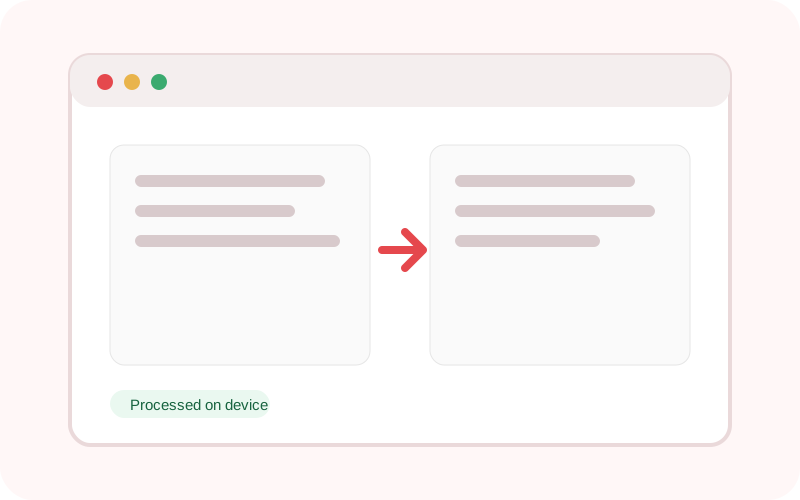
The workspace does not submit its text or selected local file to TXTNimble. Refreshing or closing the page clears the current result.
Common questions
You control whether repeated blank lines are reduced.
No. It focuses on whitespace.
Tabs are normalized to spaces.
Practical examples
Remove irregular runs of whitespace.
Trim each line before reusing the content.
Continue the workflow
Deduplicate lines while preserving their first occurrence, with case-sensitive and blank-line controls.
Replace plain text or regular-expression matches with case-sensitive and global controls.
Convert text to uppercase, lowercase, title case, sentence case, alternating case or toggled case.