What are smart quotes?
They are directional opening and closing quotation marks.
Cleanup · Browser processing
Fix typographic punctuation after moving content between editors, email clients and publishing systems.
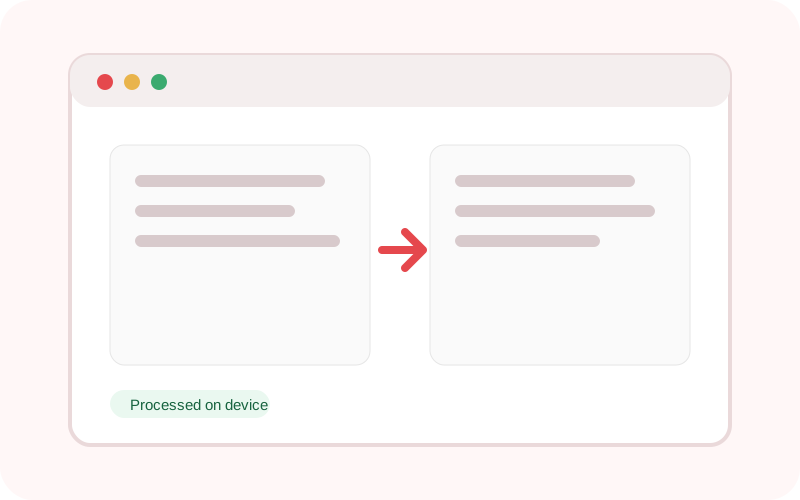
The workspace does not submit its text or selected local file to TXTNimble. Refreshing or closing the page clears the current result.
Common questions
They are directional opening and closing quotation marks.
Yes. Choose the straighten mode.
The dash option targets spaced dash patterns rather than every hyphen.
Practical examples
Add typographic quotes for publishing.
Normalize curly punctuation to ASCII for code or data use.
Continue the workflow
Convert text to uppercase, lowercase, title case, sentence case, alternating case or toggled case.
Collapse repeated spaces, trim lines and remove unnecessary blank lines in one local pass.
Convert HTML into readable plain text, remove scripts and styles, and optionally preserve links.