Does this tool upload what I type?
No. This workspace runs in the browser. Server requests are not needed to calculate the result.
Writing · Browser processing
Use a lightweight browser notepad for drafting before sending text to another TXTNimble tool. Notes and history stay on the current device in IndexedDB/localStorage and are not submitted to the server.
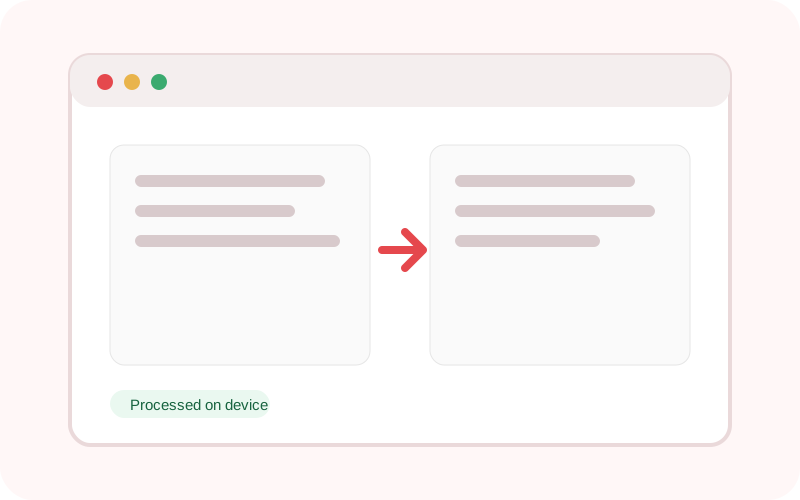
The workspace does not submit its text or selected local file to TXTNimble. Refreshing or closing the page clears the current result.
Common questions
No. This workspace runs in the browser. Server requests are not needed to calculate the result.
No. Platform behaviour can change, so review the destination before publishing.
Yes. TXTNimble keeps a normal-text option available because decorative Unicode can be difficult for screen readers and may fail in some apps.
Practical examples
Draft the content here, review the counter and then copy the final text.
Keep a normal-text version when decorative Unicode could make the content hard to read or search.
Continue the workflow
Count words, characters, sentences, paragraphs and estimated reading time without sending your text anywhere.
Create short, medium or long extractive summaries locally, with bullet and TL;DR modes plus optional AI enhancement.
Convert text to uppercase, lowercase, title case, sentence case, alternating case or toggled case.