Does this tool upload my input?
No. The working input is processed in your browser. The optional Razorpay checkout for handwriting sends payment metadata, not the handwriting text.
Fancy Text & Gaming · Browser processing
Transform supported Latin letters into script-style Unicode and copy the result with one tap. This page is designed as a working utility rather than a gallery of decorative output. Start with a short sample, confirm what the destination actually allows, and keep a plain-text copy before you paste anything into a profile, game or social account. Unicode styles can look different across Android, iOS, Windows and individual app fonts, so visual appearance is not the same thing as compatibility. Copy a candidate into the real destination before committing a rename item, profile change or public post. If a symbol becomes an empty square, is removed, or changes spacing, prefer a simpler alternative. Screen readers may announce mathematical or modifier characters one by one, which is why TXTNimble keeps a normal-text option alongside decorative output. For gaming names, use the rule checker as a pre-flight check rather than a guarantee: limits and supported symbols can change with a game update, and a rule is labelled verified only when an operator records a source and date. For social bios, count the exact text after styling because some platforms count Unicode sequences differently from what they look like on screen. Processing for these utilities stays in the browser; the working text is not posted to TXTNimble. Clear or refresh the page when you are finished on a shared device. Review names, numbers, links and claims before publishing, and avoid using invisible or confusing characters to impersonate another person. The most reliable workflow is to generate several candidates, test the shortest clean version first, and save the plain original so you can recover if a destination rejects a decorative form.
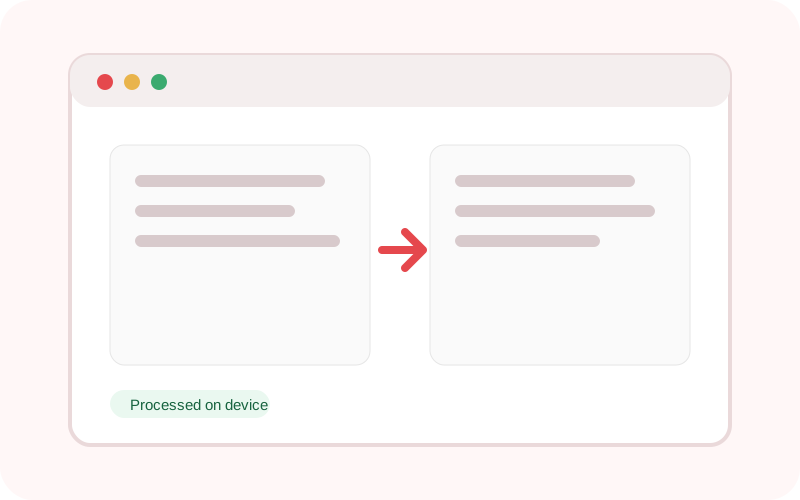
The workspace does not submit its text or selected local file to TXTNimble. Refreshing or closing the page clears the current result.
Common questions
No. The working input is processed in your browser. The optional Razorpay checkout for handwriting sends payment metadata, not the handwriting text.
No. Unicode font coverage and allowed nickname characters vary by operating system, app and game. Test the copied result before relying on it.
No. V4 deliberately uses a curated tool set and strong guide pages rather than scaled near-duplicate pages.
Practical examples
Type a short name or line and copy a compatible result into your profile or draft.
The tool itself runs on the device; no source text is submitted to the TXTNimble tool API.
Continue the workflow
Generate 80 curated Unicode text styles instantly for bios, captions and gaming names.
Create Unicode italic text for captions, profiles and emphasis without HTML.
Create Instagram-friendly Unicode fonts and compose a multi-line bio with symbol dividers.